



Multi-Store Support
Running several Shopify stores (a UK store, an EU store, a B2B store, maybe a POS-linked outlet) multiplies the operational surface: more catalogues, more currencies, more tax regimes, one team. The right architecture is all stores syncing into one Odoo database, and our connector was built for this, not retrofitted to it.
Multiple Store Connections
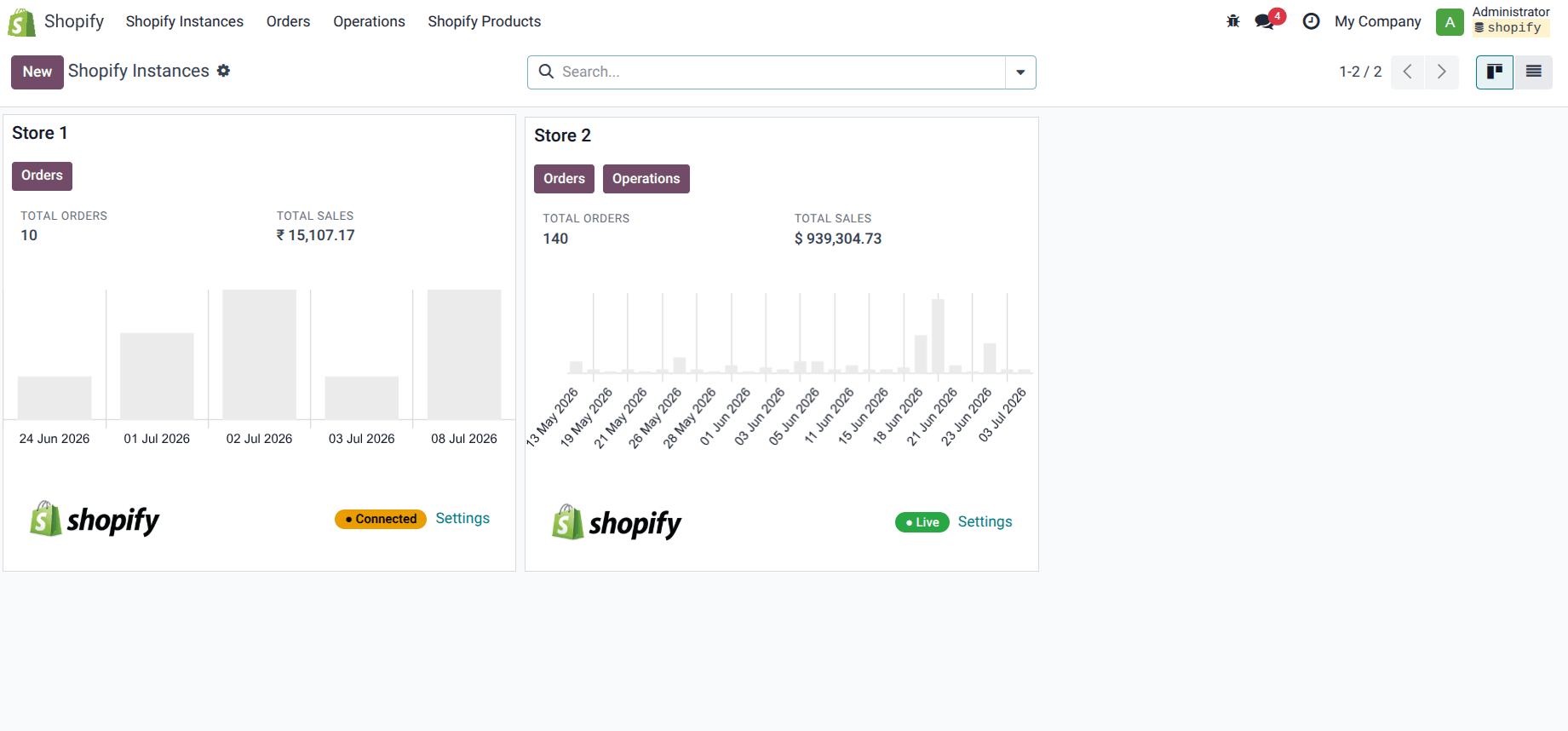
Connect multiple Shopify stores with Odoo, On the Dashboard you can actively see the Info-graphics for Orders, Sales, Operations and settings per store. This helps you achieve the better store management with proper data interpretation.
Store-Wise Data Management
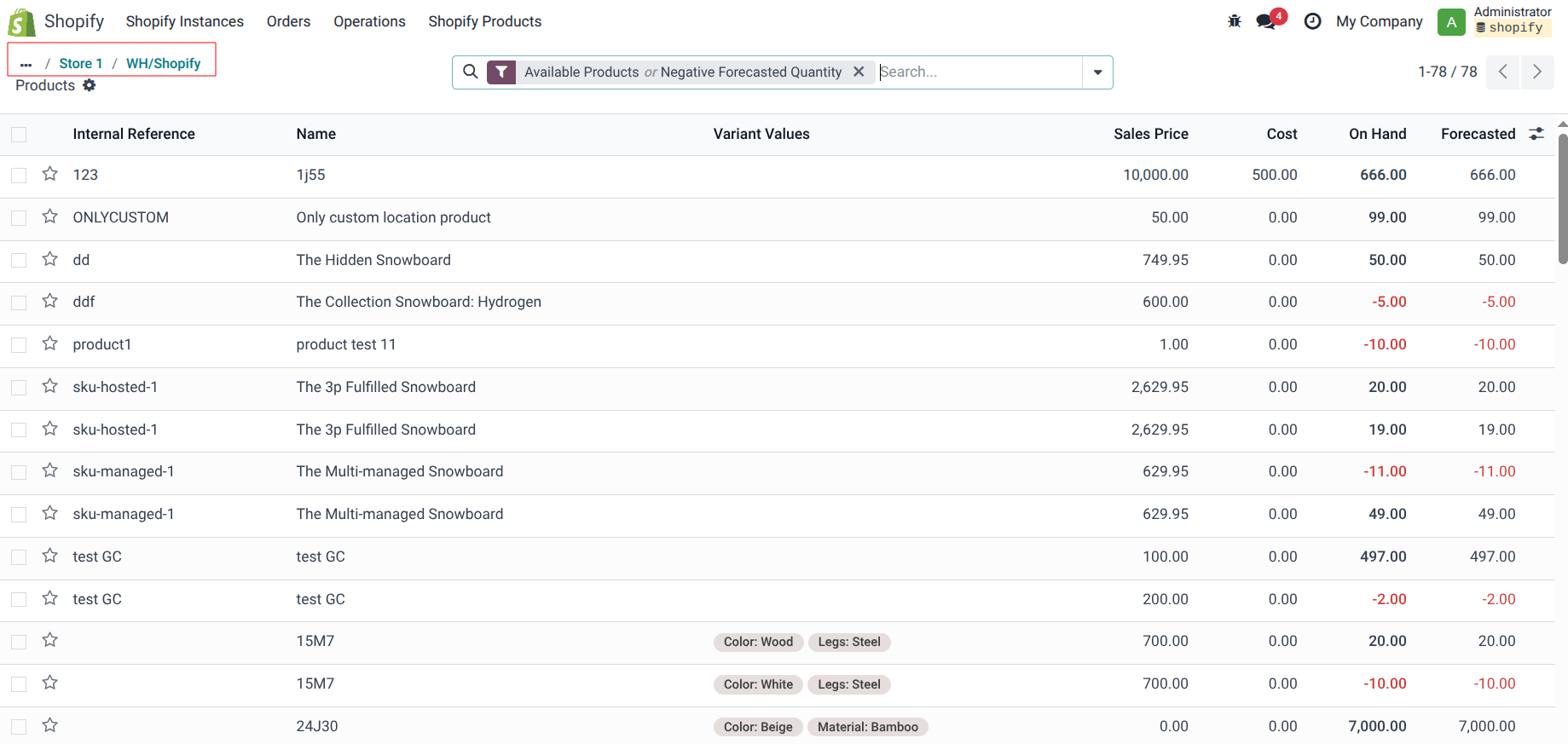
Once you have set up the store and made a connection with Odoo, you can check all the operation going on in the store, let that be Import - Export of Stock, Orders, Products and their details with status.
Secure Store Authentication
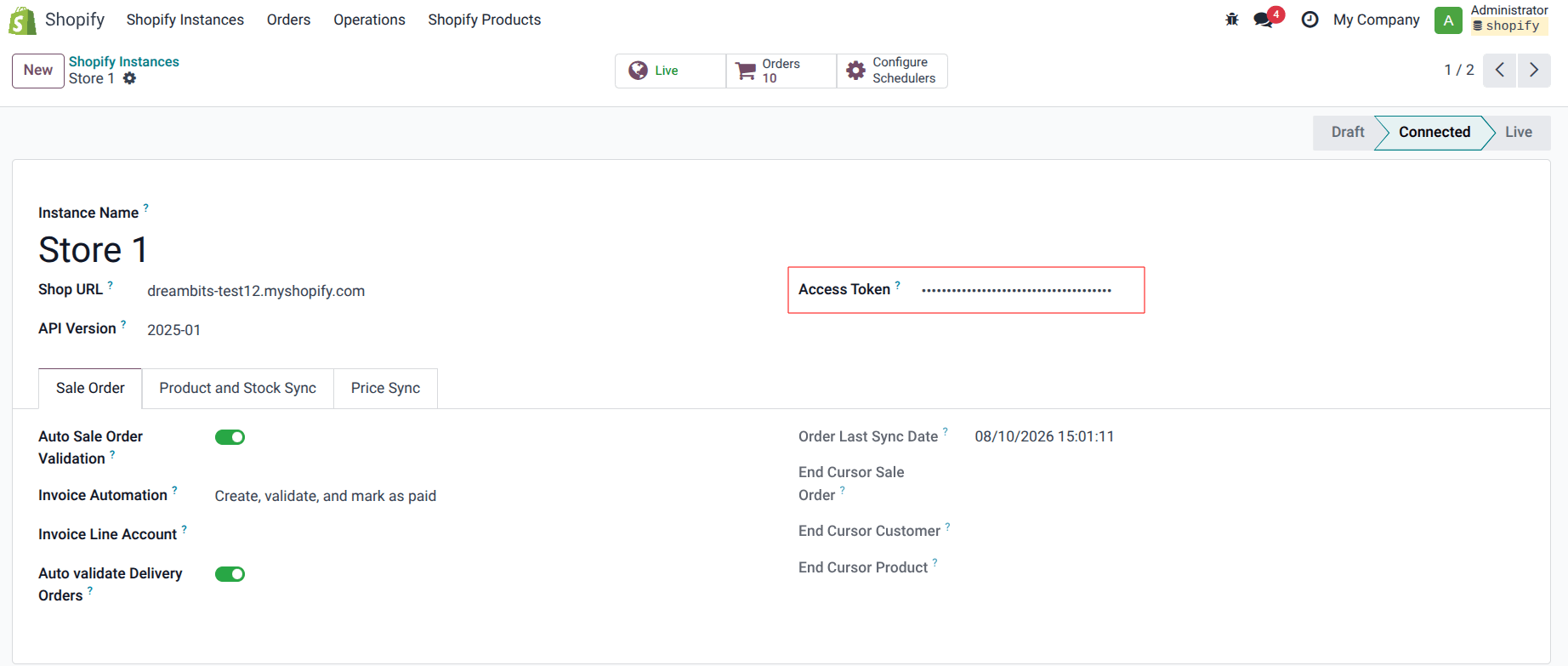
Connecting the Shopify store with Odoo has been made easy than ever, Provide access token and Shop URL and you are good to go. It is as secure as it simple, reliable and authentic, this makes the integration process hustle free.
Store-Specific Configuration
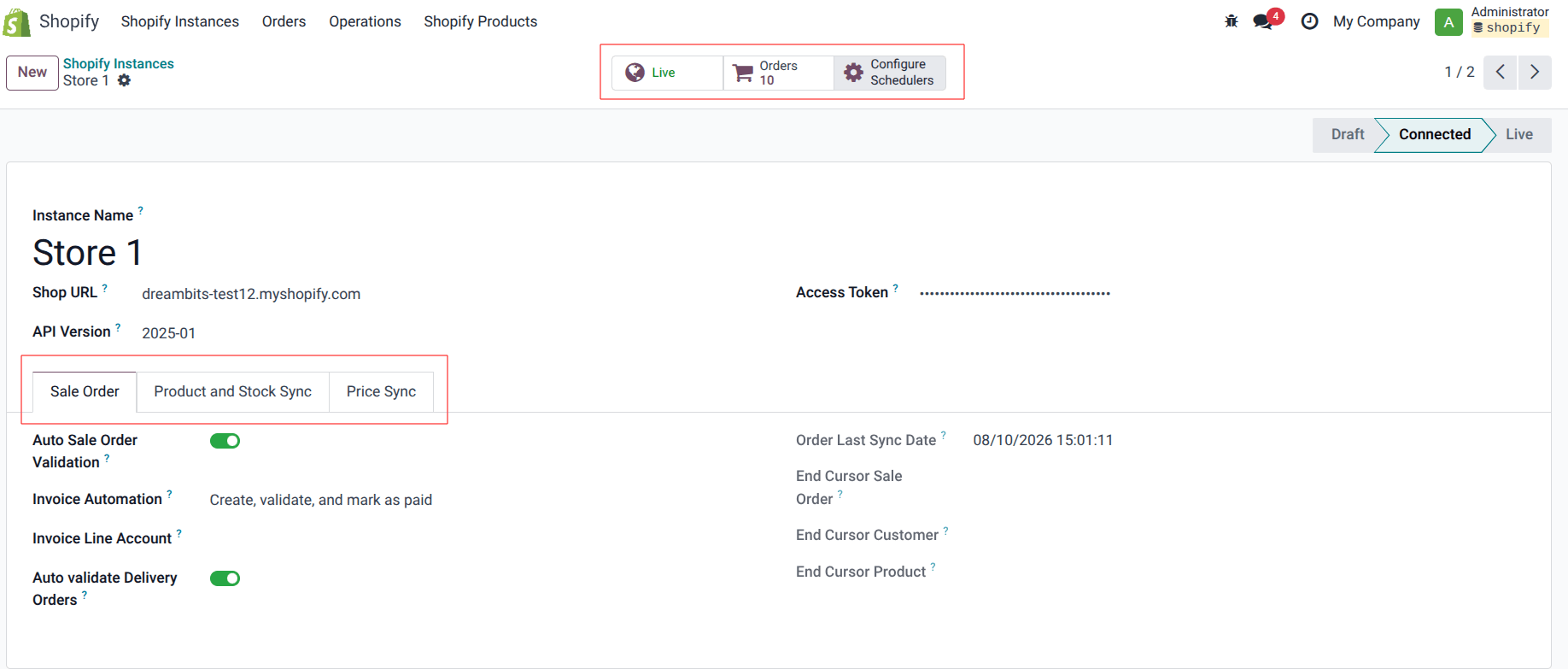
Right after the store is connected with Odoo, you can start configuring the functions for sale order, Product, Stock and Prices as well, with options such as whether to directly confirm sale order or Keep it in draft, same for the invoices and products, delivery orders, pricelist and more - All settings to make managing easier and quicker.
What this looks like in practice
Every store connects to a single Odoo instance, each with its own sync rules, invoice mode and automation, so you get one source of operational truth in front of many storefronts. One store can auto-validate and auto-invoice while another holds orders in draft for review, because your stores rarely operate identically.
Each storefront maps to the warehouse or locations it actually fulfils from, so a regional store shows regional availability rather than a global figure it can't ship against. One store can fulfil from your own warehouse and another from a 3PL, with per-store routing rules in Odoo. Each store also detects its own currency and applies the right tax treatment, so a UK and an EU store post correctly to the ledger without manual correction.
B2C, B2B and international stores can each run their own pricing through Odoo pricelists, so the price a customer sees and the price the ledger records never disagree. One Odoo backend also means group-level reporting that still knows which store, channel and region each order came from, and customer matching works across storefronts so the same buyer isn't three duplicate records, which keeps CRM, credit control and marketing segmentation clean.
How it's delivered
If you're already on Odoo, multi-store configuration is set up for your stores from £899, with per-store warehouse mapping, pricelists and automation matched to how each one actually trades. Most clients take it inside a full Odoo implementation instead, delivered in roughly 6 to 10 weeks, so every storefront goes live on the same backend together.
Either way, each store is configured and reconciled against real data on staging before go-live, checking stock, pricing and currency handling store by store rather than assuming one setup fits all. A support retainer can then keep watching sync health across every store after go-live.
Common questions
Can each store have different order automation?
Different fulfilment per store, own warehouse versus 3PL?
Is there a limit to how many stores?
Ready to fix your ops?
Book a free discovery call. We'll look at your current setup and tell you honestly whether Odoo is the right move and what it would involve.